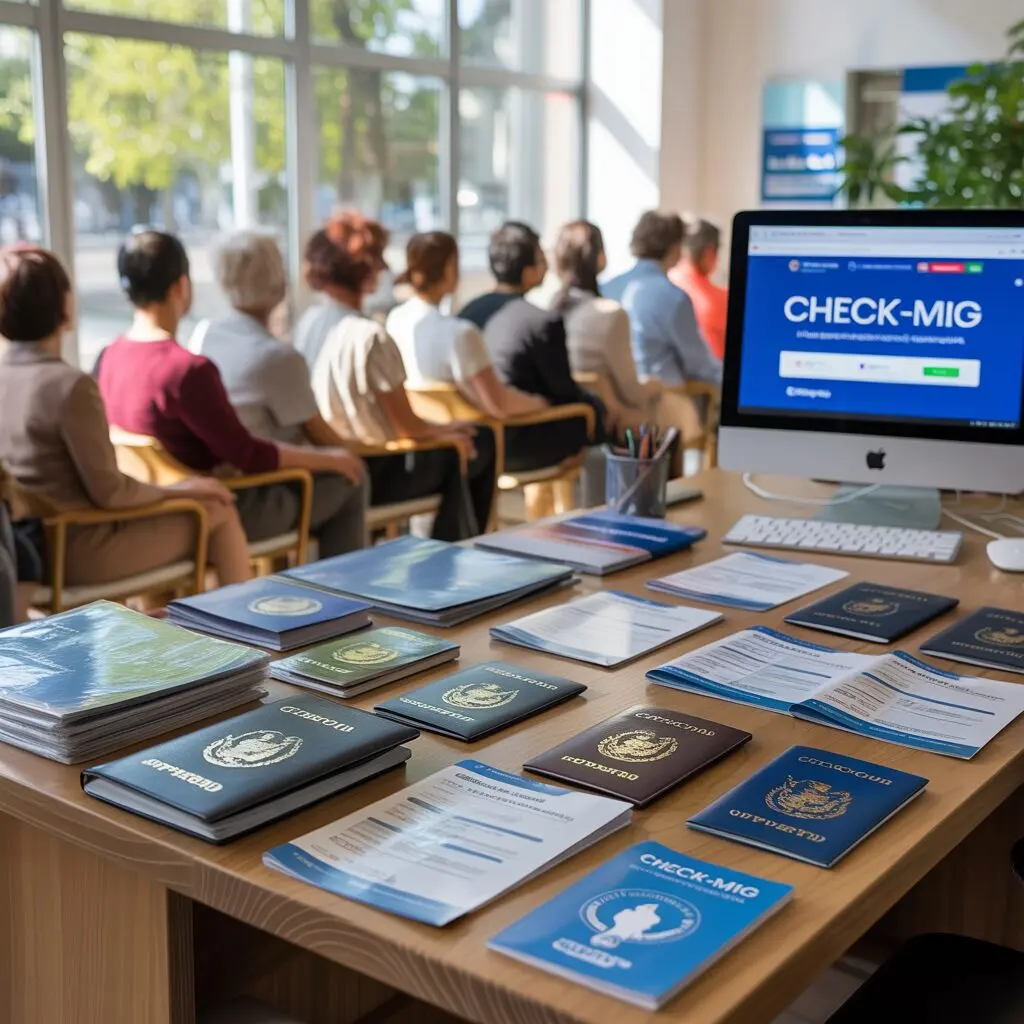
Before you begin filling out the Check-MIG form for Colombia, it helps to know exactly what information and documents you will need. Having everything ready before you sit down to fill out the form avoids errors, typos, and the frustration of being stuck on a required field you cannot complete. This guide covers every document and piece of information you need, field by field.
Documents Required for Check-MIG
To complete Check-MIG, you need access to these documents during the submission process:
- Passport – Your current, valid passport with at least 6 months of remaining validity beyond your entry date into Colombia. The passport must be the one you are traveling with – if you recently renewed your passport, use the new passport number.
- Flight booking confirmation – Your airline booking confirmation email or e-ticket with the flight number, departure date, and arrival city. Some travelers also need their seat assignment.
- Accommodation confirmation – Proof or reference of where you will be staying on your first night in Colombia. This can be a hotel booking, Airbnb reservation, or the address of a private residence.
You do not need to upload any of these documents. The form only asks you to type in the relevant details, not attach files. However, having the documents in front of you ensures you enter the information accurately.
Important: Check-MIG does not require a visa number, COVID-19 vaccination proof, or any payment. The form is free and separate from any visa application process.
Personal Information Needed
The personal information section of Check-MIG asks for identification details that must match your passport exactly:
| Field | What to Enter | Notes |
|---|---|---|
| Full name | Exactly as printed on passport | Include middle name if listed |
| Date of birth | Your date of birth | Format: DD/MM/YYYY |
| Nationality | Your citizenship country | Match passport information |
| Passport number | Number on your passport | Include any letters |
| Gender | As listed on your passport | Male / Female |
| Email address | Active email you can access | Confirmation sent here |
Critical accuracy note: The most common reason Check-MIG submissions fail is a mismatch between the passport number entered and the actual passport. A single wrong digit or letter will mean the QR code cannot be verified by immigration. Take a moment to double-check every character of your passport number before submitting.
Your email address must also be accurate. The QR code and confirmation PDF are sent to this email. If you enter it wrong, you will not receive your confirmation. Some travelers use both a primary and backup email to be safe.
Travel Details to Prepare
The travel section asks about your journey to Colombia:
- Airline name – The airline operating your flight (e.g., Avianca, LATAM, American Airlines, Spirit Airlines).
- Flight number – The combination of airline code and number (e.g., AV123, AA1234).
- Departure date – The date your flight departs for Colombia.
- Arrival city – The Colombian city you are arriving in (e.g., Bogota, Medellin, Cartagena, Cali).
- Seat number – Optional but helpful. If you have already checked in and selected a seat, enter it here. If not, this field can be left blank.
Tip: If you have a connecting flight that arrives in Colombia, enter the flight that actually lands in Colombia, not your first flight. For example, if you fly from Miami to Panama City and then to Bogota, enter the Panama City to Bogota flight details.
Health Information Section
The health declaration part of Check-MIG was originally designed during the COVID-19 pandemic and has since been streamlined. As of 2025, the health questions are minimal and straightforward:
- Do you have any current symptoms? – A yes/no question about general health symptoms such as fever, cough, or difficulty breathing.
- Have you been in contact with anyone with a communicable disease? – A yes/no question about recent exposure.
These questions are simple and do not require a medical certificate or test result. Answer truthfully. If you answer “yes” to symptoms, the system may direct you to a follow-up screening upon arrival, but this is rare and not a barrier to entry.
Note: There is no requirement for COVID-19 testing or proof of vaccination as of 2025. The health questions are a formality for surveillance purposes, part of the SUIV (health surveillance) framework linked to Check-MIG.
Accommodation Details
The accommodation section requires the address where you will be staying on your first night in Colombia:
- Hotel name and address – If staying at a hotel, the name and full street address. Your booking confirmation email will have this information.
- Airbnb or rental – The property address as listed on the platform.
- Private residence – The full street address of your host or friend’s place.
What if you do not have accommodation yet? If you are a spontaneous traveler and have not booked accommodation before completing Check-MIG, you can use a placeholder address such as a hotel you plan to visit. However, having at least a first-night booking is advised. Some immigration officers ask about your plans on the spot, and a confirmed hotel booking speeds up the process.
If your plans change and you switch accommodations after submitting Check-MIG, this is not an issue. The form does not lock you into staying at a specific place.
Required Medical and Health Items to Prepare
While Check-MIG itself does not require medical documentation, some travelers may benefit from having:
- Yellow fever vaccination certificate – Required if arriving from or transiting through certain countries in Africa or South America. Not required for most US, European, or Canadian travelers.
- Travel insurance information – Recommended though not mandatory for entry. Having insurance details accessible can be helpful if asked during arrival processing.
- Prescription medication documentation – If carrying prescription medication, keep the letter from your doctor in your carry-on. Not asked on Check-MIG but occasionally requested at customs.
Important distinction: Check-MIG and Colombian entry requirements are separate things. Check-MIG collects information for migration and health tracking. Visa requirements, vaccination mandates, and customs rules are governed by different agencies. Do not confuse these.
Important Notes on Requirements
A few important rules to keep in mind:
Passport validity: Colombia requires your passport to be valid for at least 6 months from your entry date. If your passport expires within 6 months of your arrival, renew it before traveling. Airlines will check this at check-in and may deny boarding if the validity requirement is not met.
Name consistency: Your name on Check-MIG must match your passport exactly. If your passport shows “Robert James Smith,” do not enter “Bob Smith” or “Robert J. Smith.” Case sensitivity (uppercase vs lowercase) generally does not matter, but the full name must match.
Multiple travelers: If traveling as a family, each person including children and infants needs their own Check-MIG submission. A family of four means four separate forms. Parents fill out the form for their minor children.
One form per entry: Each Check-MIG is tied to one specific flight and one specific entry into Colombia. If you are traveling to Colombia twice on one trip (e.g., visiting Bogota, flying to Panama, then returning to Colombia), you need two separate Check-MIG submissions – one for each entry.
For a complete step-by-step guide to filling out the form, see our How to Apply for Check-MIG article.
Common Mistakes to Avoid
These are the errors that cause the most problems for Check-MIG applicants:
- Wrong passport number – Entering 0 (zero) instead of O (letter O) or 1 (one) instead of I (letter I). Always copy the number directly from your passport data page.
- Name mismatch – Using a nickname instead of the legal name on the passport.
- Wrong email address – Typo in the email means you never receive the QR code.
- Outdated flight details – Entering an old flight number after a booking change. Always use the most current booking details.
- Missing accommodation address – Some travelers skip this or enter “unknown” – the form may reject incomplete submissions.
- Forgetting to save the QR code – Not downloading or screenshotting the confirmation and then losing email access when they need it.
Pro tip: After submitting, take a screenshot of the QR code immediately and save it as a photo on your phone. Then check your email and download the PDF confirmation. Having three copies – phone screenshot, email PDF, and optionally a printed copy – means you are covered no matter what happens.
Frequently Asked Questions
Preparing the right documents and information before filling out Check-MIG is the single most important thing you can do to ensure a smooth experience. Take 10 minutes to gather everything before starting, and you will have your QR code ready in no time. For more details, see our complete Check-MIG guide.