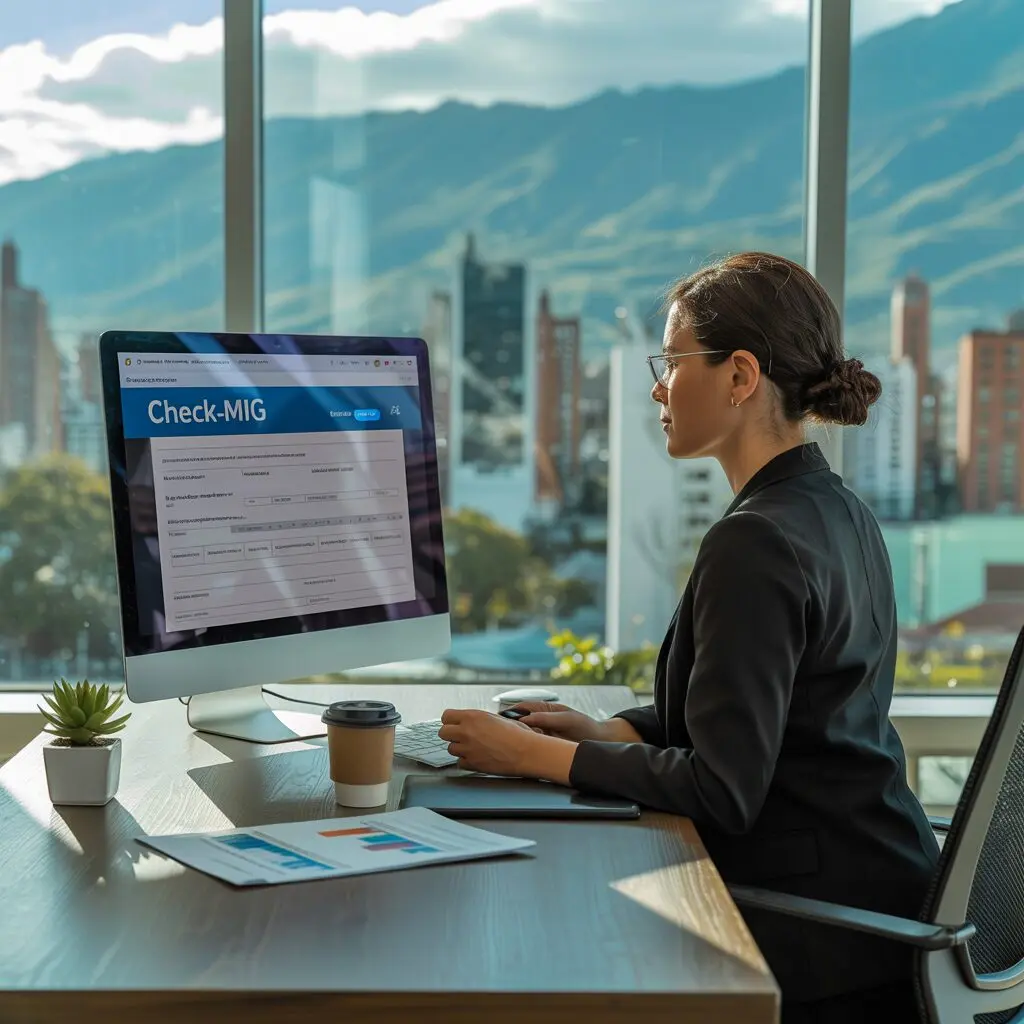
If you are planning a trip to Colombia, there is one digital form you need to know about before you even pack your suitcase. Check-MIG is Colombia’s mandatory pre-arrival health and migration form that every traveler – regardless of nationality or visa type – must complete online before flying. This guide covers everything from what it is, how to fill it out, and what to expect on arrival.
What Is Check-MIG Colombia?
Check-MIG is an electronic migration and health declaration form administered by Migracion Colombia, the country’s immigration authority. Launched in 2020 during the global health emergency, the form has since become a permanent requirement for all travelers entering Colombia by air. There is no paper equivalent and no way to bypass it at the airport.
The form collects personal identification details, flight and travel itinerary information, accommodation data, and a brief health self-declaration. Upon successful completion, travelers receive a QR code by email, which they must present at check-in with the airline and again at immigration upon arrival in Colombia.
Check-MIG is entirely free. There is no cost to complete the form, and no third-party service is required. You access it directly through the official government website.
Why Do You Need Check-MIG?
Check-MIG is not optional. Migracion Colombia requires it for all travelers arriving by air, including:
- Tourists and vacationers (the most common group)
- Business travelers and conference attendees
- Students entering for short courses or academic programs
- Transit passengers connecting through a Colombian airport
- Children and infants (every traveler, regardless of age, needs their own form)
Without a valid Check-MIG QR code, airlines may refuse to issue a boarding pass at departure. Even if you manage to board without it, Colombian immigration authorities will require it upon landing. Having the form ready before you arrive at the airport eliminates last-minute stress and avoids potential delays or denial of boarding.
TheCheck-MIG system also connects travelers to Colombia’s health surveillance framework (SUIV), allowing health authorities to conduct contact tracing if a public health event occurs on your flight. While the health section is now minimal compared to the height of the pandemic, it remains a required part of the form.
For a detailed breakdown of what documents you need, see our Check-MIG Requirements guide.
How to Complete Check-MIG
Filling out Check-MIG takes about 10 to 15 minutes and can be done on a smartphone, laptop, or tablet. The form is available in both Spanish and English.
Before you start, gather:
- Your passport (valid for at least 6 months beyond your travel dates)
- Your flight details (airline, flight number, departure date, seat number if known)
- The address of your accommodation in Colombia (hotel, Airbnb, or private residence)
Step 1 – Visit the official website. Navigate to checkmig.migracioncolombia.gov.co. Make sure you are on the legitimate .gov.co domain, not a third-party site.
Step 2 – Select your language. Choose between Spanish and English at the top of the page.
Step 3 – Enter personal information. Fill in your full name (exactly as it appears on your passport), date of birth, nationality, passport number, and email address.
Step 4 – Add travel details. Enter your airline name, flight number, seat number (if assigned), date of arrival, and the city you are departing from.
Step 5 – Provide accommodation information. Enter the name and address of your first-night accommodation in Colombia. If you are staying at a hotel, the booking confirmation email usually has the exact address.
Step 6 – Complete the health declaration. Answer a few straightforward health screening questions. These ask about current symptoms and recent travel history.
Step 7 – Review and submit. Double-check every field, especially your passport number and email address. Errors in these fields are the most common issue travelers face. Once confirmed, click submit.
Step 8 – Save your QR code. A confirmation page with a QR code will appear. You will also receive a PDF confirmation email. Save both. Take a screenshot as a backup. Airlines and immigration will scan this QR code.
For a full step-by-step walkthrough with screenshots, visit our How to Apply for Check-MIG article.
Required Documents and Information
To complete Check-MIG, you need the following:
| Document / Information | Required | Notes |
|---|---|---|
| Valid passport | Yes | Must match name exactly |
| Passport number | Yes | Double-check digits |
| Nationality | Yes | As stated on passport |
| Date of birth | Yes | Format: DD/MM/YYYY |
| Email address | Yes | Confirmation sent here |
| Flight number | Yes | Airline + number (e.g., AV123) |
| Departure date | Yes | Date of your flight to Colombia |
| Seat number | No | Adds efficiency but not mandatory |
| Accommodation address | Yes | First night stay in Colombia |
| Health declaration answers | Yes | Brief health screening |
The form does not ask for a visa number, proof of vaccination, or any payment method because Check-MIG is completely free and separate from visa processing.
For the complete list of documents and tips on avoiding mistakes, see our Check-MIG Requirements article.
Processing Time and Validity
Check-MIG processes almost instantly. In the vast majority of cases, you receive your QR code registration confirmation email within minutes of submission – often immediately.
Key timing rules:
- Earliest submission: You can submit Check-MIG up to 24 hours before your scheduled departure.
- Latest submission: The form must be submitted at least 1 hour before your flight departs. Most airlines enforce this strictly.
- Peak periods: During holiday seasons (December, July-August), the website may experience high traffic, occasionally slowing processing to a few minutes rather than instant.
Validity: Each Check-MIG is valid for a single entry only. If you leave Colombia and return, you must fill out a new form for each re-entry.
If you experience delays or the confirmation email does not arrive, check your spam/junk folder first. If nothing appears after 30 minutes, re-submit the form. The system is designed for speed, and most travelers report receiving their QR code in under 2 minutes.
Read more in our detailed Check-MIG Processing Time article.
Check-MIG for US Citizens
American passport holders need Check-MIG, but they do not need a visa for tourist stays of 90 days or fewer. Colombia’s visa-free arrangement with the United States means you simply arrive, present your passport and Check-MIG QR code, and receive an entry stamp valid for up to 90 days.
Key points for US citizens:
- No visa required for tourism stays up to 90 days
- Check-MIG is mandatory regardless of visa status
- A valid US passport with at least 6 months of remaining validity is required
- Proof of onward or return travel may be requested by the airline
- The US Embassy in Bogota recommends travelers register with the Smart Traveler Enrollment Program (STEP)
US citizens planning longer stays, working remotely, or conducting business should consult the Colombian consulate or our Colombia Entry Types article for visa category guidance.
For detailed US traveler-specific information, visit our Check-MIG for US Citizens article.
Colombia Entry Types
Check-MIG applies equally to all entry categories, but it is important to understand which visa or entry type applies to your trip:
- Tourist Entry (TP-11): The standard entry for vacationers. Valid for up to 90 days. US citizens and most Western passport holders do not need to pre-apply – you receive the stamp on arrival.
- Business Entry (TP-12): For attending meetings, conferences, or short-term business activities. Does not authorize local employment. Valid for up to 90 days.
- Student Entry (TP-3): For those enrolled in Colombian educational institutions. Requires pre-approval from a Colombian consulate.
- Digital Nomad Visa: For remote workers earning foreign income. Allows stays of up to 2 years. Requires proof of income exceeding 3x the Colombian minimum wage.
- Transit Entry: For passengers connecting through a Colombian airport to another destination. Check-MIG is still required.
A critical point: regardless of which entry type you use, Check-MIG is always mandatory. The form does not replace or substitute a visa; it operates alongside whatever visa or entry stamp you receive.
Learn more about each category in our Colombia Entry Types article.
Arrival Process in Colombia
After your flight lands at a Colombian airport (most likely El Dorado International in Bogota, or airports in Medellin, Cartagena, or Cali), here is what to expect:
- Immigration queue: Follow signs to immigration (Migracion). Foreign nationals use the non-Colombian passport lanes.
- Document presentation: Present your passport and the Check-MIG QR code (on your phone screen or printed). The officer will scan it.
- Entry stamp: The immigration officer stamps your passport with your authorized stay duration.
- Baggage claim: Collect your checked luggage.
- Customs: Proceed through the customs channel. Green channel for nothing to declare, red channel if you have items over the duty-free threshold.
Processing at immigration is usually quick – 10 to 30 minutes in standard conditions, though lines can be longer during peak arrival times (Friday evenings, holidays).
If your Check-MIG cannot be found in the system, remain calm. Immigration officers can verify your information manually. Having a printed copy of your confirmation email (in addition to the digital QR code) is a helpful backup.
For more arrival tips and customs guidance, see our Colombia Travel Guide.
Common Issues and Solutions
Even though Check-MIG is designed to be straightforward, travelers do encounter problems. Here are the most common issues and how to resolve them:
Issue: Passport number error
Double-check the passport number is entered exactly as written on your passport, including any letters or special characters. A single incorrect digit will cause the form to be rejected.
Issue: Confirmation email not received
Check your spam/junk folder first. If the email is missing after 30 minutes, re-submit the form. Make sure your email address was entered correctly.
Issue: Website not loading
The Check-MIG site occasionally experiences high traffic. Try again in 10-15 minutes. If accessing from a hotel network with a VPN, try disabling the VPN – some networks block government sites.
Issue: Flight details changed
If your flight number or date changes after you submit Check-MIG, you should fill out a new form with the updated information. The old submission cannot be edited.
Issue: Name does not match passport
Use the exact name from your passport, including middle names if listed. Do not use nicknames or abbreviations.
Issue: Seat number required
The seat number is helpful but not strictly required. If you have not yet checked in or selected a seat, leave this field blank.
Issue: Website says “duplicate submission”
This means you (or someone else) already submitted a form with the same passport number for the same flight date. Check your email for the previous confirmation. If you need to make changes, submit a new form – the system will use the most recent submission.
For additional questions and answers, visit our Check-MIG FAQ page.
Frequently Asked Questions
Check-MIG is a simple but essential form. A few minutes of preparation online will save you from unnecessary complications at the airport. Bookmark this page for reference and share it with fellow travelers heading to Colombia.